


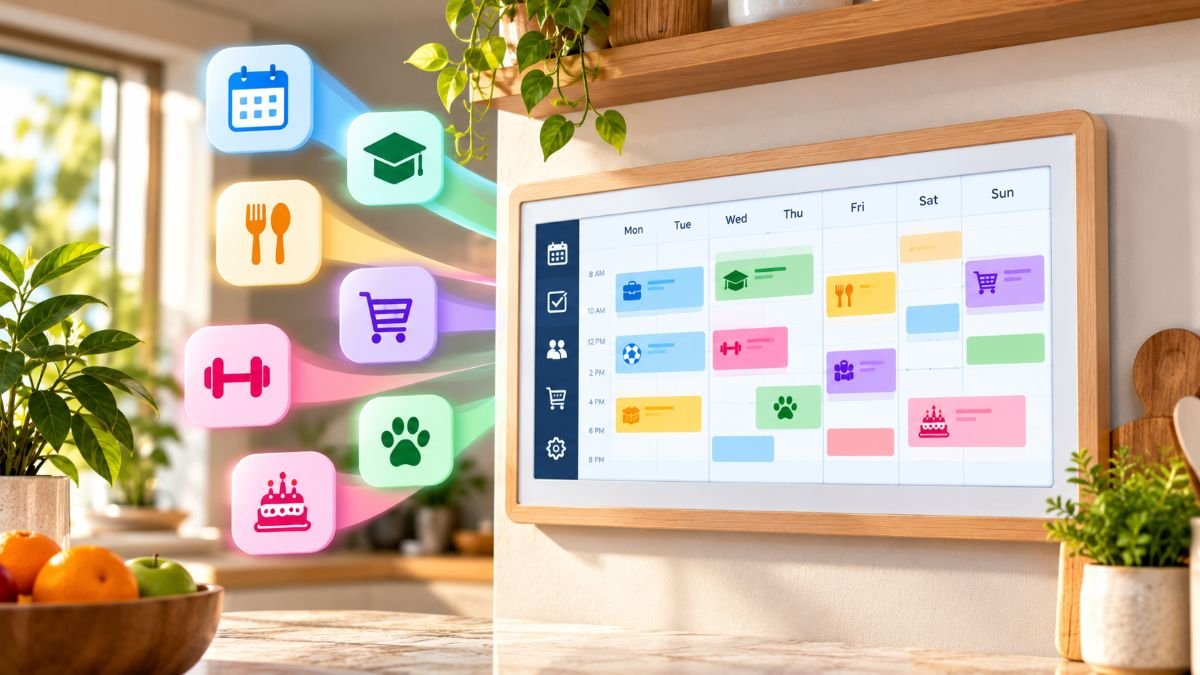
The Skylight Calendar is a dedicated family organizer rather than a general-purpose tablet. It puts schedules, chores, lists and meal plans on one shared screen. Here is what it does, what it costs, and what has changed recently.
The Skylight Calendar is a Wi-Fi touchscreen display that syncs a family’s Google, Apple, Outlook, Yahoo and Cozi calendars into one shared schedule. The 15-inch Calendar 2 costs $299.99. Core features work free, while import tools, meal planning, chore rewards and photo screensavers require the $79-per-year Plus plan.
This article reflects verified information as of October 26, 2026.
What the Skylight Calendar does
Each family member gets a color, so appointments, school events and work commitments are easy to tell apart. The screen offers day, week, month and schedule views. It also shows weather. Families can add or change events on the device or in the mobile app.
The built-in task manager covers chores and daily routines. Shared lists handle groceries and errands. Sleep mode and a parental lock are included.
Skylight says more than 1 million families use its calendars.
Calendar syncing
The device pulls in events from Google, Apple, Outlook, Yahoo and Cozi calendars. Reviewers report that two-way sync works best with Google Calendar. Results with other services can vary by service and setup.
Models and prices
Skylight sells three sizes.
| Model | Screen | Reported price |
|---|---|---|
| Calendar | 10 inch | About $150 to $170 in some retail channels |
| Calendar 2 | 15 inch | $299.99 |
| Calendar Max | 27 inch | $569.99 to $629.99, depending on frame and seller |
Prices and promotions change. Skylight’s US store lists the Calendar 2 with one free month of Plus. Costco has sold bundles of the Calendar 2.
Calendar 2
Skylight unveiled the Calendar 2 at CES in January 2026. The redesign is mainly hardware:
- A body about 20 percent thinner than the original
- A processor Skylight says is about three times faster
- A brighter, more color-accurate screen
- Swappable magnetic Snap Frames in several colors and styles
- An adjustable tabletop stand and a wall mount
Skylight says the Calendar 2 and the original run the same software.
Calendar Max
The Max is a wall-mounted 27-inch model with a QHD touchscreen and an anti-glare coating. Skylight says it has no launch date or plans for a new version.
Free features and Plus features
Every Skylight Calendar works without a subscription. Plus is billed yearly at $79, with the first month free on Skylight’s US store.
| Free | Plus ($79 per year) |
|---|---|
| Synced calendar and color profiles | Sidekick and Magic Import |
| Day, week and month views | Meal planning |
| Tasks and chore charts | Star rewards for chores |
| Custom lists, including groceries | Photo and video screensaver |
| Weather, sleep mode, parental lock | Disney-themed personalization |
| Mobile app access |
Magic Import turns forwarded emails, PDFs and photos of school flyers into calendar entries. Sidekick is the assistant that handles those imports. Meal planning supports recipe import and can build ingredient lists.
What it costs over time
The Calendar 2 costs $299.99 plus $79 for Plus, about $379 in the first year. The same arithmetic puts the Calendar Max at about $679 in year one, using its $599.99 list price. Each later year adds $79 for households that keep Plus. Households that skip Plus pay only the hardware price.
Recent developments
Skylight keeps updating its software. Its release notes show these recent changes:
- October 21, 2026: An option to show or hide tabs.
- October 13, 2026: New photo notifications and scheduled calendar screensavers.
- October 7, 2026: A setting that controls how often new features are announced.
- September 2026: More schedule and month views in the mobile and desktop apps, plus task completion notifications and linked tasks.
These changes focus on navigation, notifications and personalization rather than a redesign.
The company also expanded its credit facility to $75 million in September 2026. The financing is meant to fund inventory and product expansion.
An October 16, 2026 review named the Calendar 2 its preferred digital wall calendar. It praised the software, calendar syncing and household planning tools, and noted that some features need a subscription.
How it compares
A comparison test of four displays rated the Calendar Max’s core calendar features ahead of the other three. It credited the multiple views and the custom color for each synced calendar. The test also covered these rivals:
- Echo Show 21: $399.99. It works more like a wall tablet, with streaming, video calling and a calendar that cannot be recolored.
- Hearth Display: About $700. It had fewer features than Skylight, and its routines require a paid membership.
Other options cost less or serve other needs. The Cozyla calendar starts at $350 and offers two-way sync with Apple and Outlook. It supports up to eight user profiles, while Skylight offers unlimited profiles. Apps such as Google Calendar, Cozi and TimeTree coordinate schedules without a dedicated screen. A tablet running a family calendar app can cost $59.99 per year, though reviewers note a tablet brings distractions that the Skylight lacks.
Limits to know
- Power and Wi-Fi: The device has no battery. It must stay plugged in, and it stops working during a power or Wi-Fi outage.
- No web access: Skylight says users cannot browse the internet or social media on it.
- Sync outside Google: Reviewers report that two-way sync is less reliable with other calendar services.
- Upfront cost: Hardware is a one-time purchase, and the extra features carry a yearly fee.
Returns and support
Purchases from Skylight’s own site carry a four-month refund window. Skylight also says it replaces devices with covered issues free during the first three years.
Frequently asked questions
Does the Skylight Calendar need a subscription? No. The calendar, tasks, lists and profiles work without Plus.
Can two homes share one calendar? Yes. Skylight’s Device Linking shares all data across linked devices. It is all or nothing.
Read More: Sosoactive: What It Is, Who Runs It, and Why Several Websites Share the Name
